 ParqHive
Make room for opportunity
A driveway or private off-street space can be useful to someone looking for parking.
Have an available driveway, garage space, or private parking spot? ParqHive helps you present your space to drivers and manage requests on your terms.
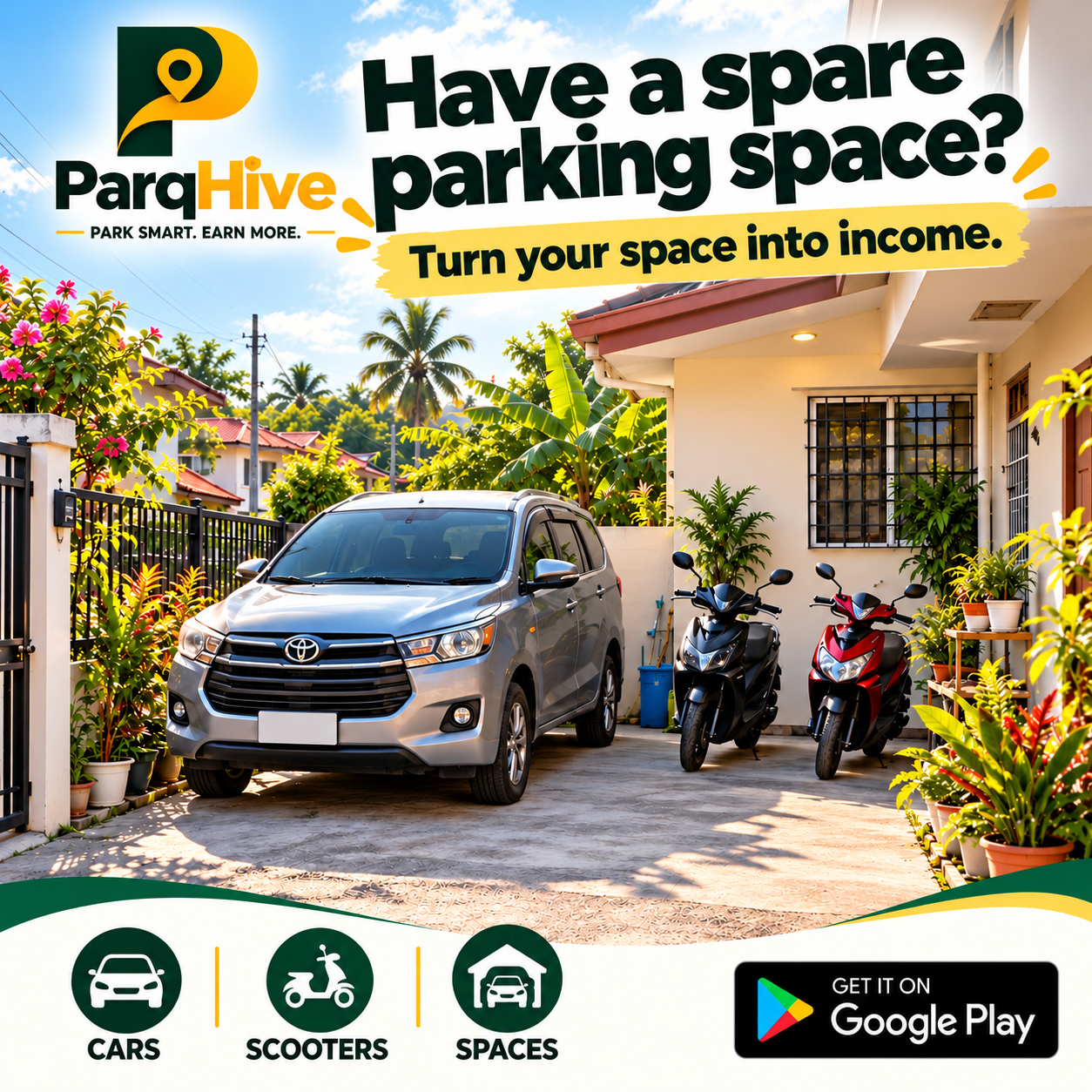
Make available parking easier for drivers to understand while keeping control of the space you offer.
A driveway or private off-street space can be useful to someone looking for parking.
Set the parking durations and rates supported by the app that work for your space.
Drivers pay hosts directly. ParqHive does not take a commission from your parking price.
These are the key steps to consider before making parking available through ParqHive.
Follow these four steps in order. The app screen is shown as a reference while you prepare your listing.
Confirm you have permission to offer parking and that entry, exit, and visibility are safe.
Take recent photos, describe the location clearly, and set rates that match the space you offer.
Create your listing in ParqHive and submit it. Publication may depend on moderation approval.
Review reservation details and share arrival or access instructions that help reduce confusion.
Clear information helps avoid confusion before someone arrives.
ParqHive is designed to let hosts keep 100% of the parking price they set. Drivers pay hosts directly. Other costs or legal obligations, if applicable, are separate.
Only list spaces you are authorized to offer. Check local laws, property agreements, and any association restrictions first.
No. Visibility and reservations depend on driver interest, availability, and app functionality.
A listing may need to pass review before appearing publicly. Follow the status and instructions shown in the app.
Managing a dedicated lot or multiple spaces? We have a guide for that too.